

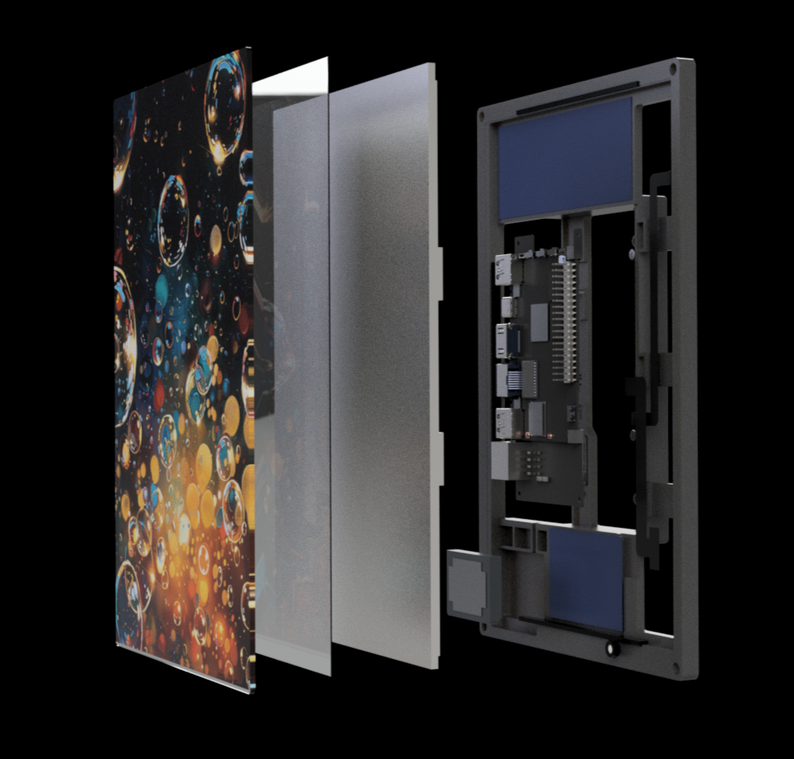

In the box:
- Gateway with Battery
- Antenna
- Power cable
Additional prerequisites:
- Connect app (Please note you have to be logged in)
- Find more information about the connect app here
- SIM card (4FF) without a PIN Code
- The SIM should contain a subscription with a minimum of 100 mbit per month and 15 minutes of calling. ONFUSE is not responsible for any additional cost.
- Open these 4 screws on the gateway and take off the front cover
- Insert the SIM Card
- Put the front cover back on
- Connect the Antenna in the package
- Plug the gateway in via power or usb (Power should be at least 24V, 5A)
- Wait until the LEDs start blinking red
- Open the connect app and go to "Cloud Devices" -> "+" -> and click on "Discover Bluetooth devices"
- Add a name and address of the gateway and click on "Add"
- You should now be able to see the gateway in your cloud interface
Last updated 7 months ago
Was this helpful?